
versions
Table of Contents
FABtotum Versions
The FABtotum “Version” identifies what features and changes are implemented over the standard version (vers 1).
Versions are cumulative, so Version 2 includes the changes in V1.
Versions are cross-compatible and an higher version does not mean it won't be compatible with newer parts.
In fact you can upgrade your FABtotum hardware and set the new version on your FABUI.
How to know your FABtotum version:
Go to “Jog” and type: M763, then press “Run” the printer will answer you the version number. 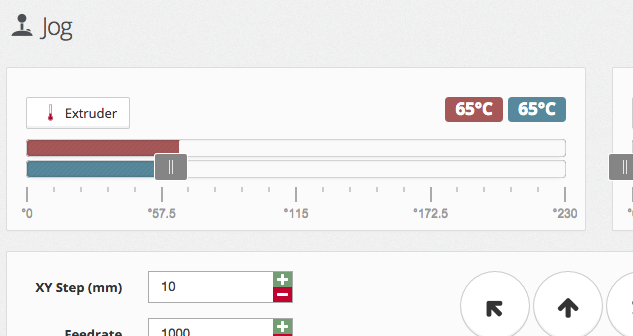 :
:
HARDWARE Versions
note: Hardware Versioning has been introduced in FABUI 0.94
Rev1
(September 2014 - May 2015)
- Original FABtotum
Rev2
(June 2015 - August 2015)
- Simplified Feeder (Removed the disengagement and engagement procedure), if you want you can update it easily following this Tutorial: Feeder update.
- Bowden tube improvement (Added a protection external sleeve to avoid the bowden tube get stuck in the back panel).
- Endstops' logic inverted.
Rev3
(Aug 2015 - Jan 2016)
- Back panel modified to minimize bowden tube collisions
- Hotplate V2 as standard duty hotplate
- Reed sensor (Contactless sensor for the frontal door)
- Head V1 (hybrid) discontinued
- Milling Head V2 (store.fabtotum.com/eu/store/milling-head-v2.html).
- Print head V2 (store.fabtotum.com/eu/store/printing-head-v2.html).
Rev4 "CORE"
(Jan 2016 - xxx)
- TBA
versions.txt · Last modified: 2016/05/06 08:56 by jj
Except where otherwise noted, content on this wiki is licensed under the following license: CC Attribution-Noncommercial-Share Alike 3.0 Unported


